YOUR NAME HERE
Docker Fundamentals
AVL-DF-2026-000000
July 11, 2026
Scan to Verify
avora.ai/verify

— Why Containers
Welcome
Works
Container

— Images & Dockerfile
Image
92%
Mastery
Visual-first path from “works on my machine” to portable containers — images, Dockerfiles, run/inspect, volumes, networking, Compose, and everyday deploy habits.
Your Outcome
Students who complete this course receive
4 projects. 10 skills.
Earn while learning
Invite a friend. Both of you receive ₹50 Avora Credits after their first successful purchase.
Practical skills you can list on your resume.
Module 1 preview lessons are free to start.
Every module and lesson is listed — nothing hidden behind a paywall.
Finish the course and walk away with proof employers can verify.
A shareable credential that proves you finished the course.
Every certificate includes a unique ID employers can check.
Save and print a polished PDF anytime after you earn it.
Add it to your profile and share your achievement with one click.
Public verification stays available so your credential remains trusted.
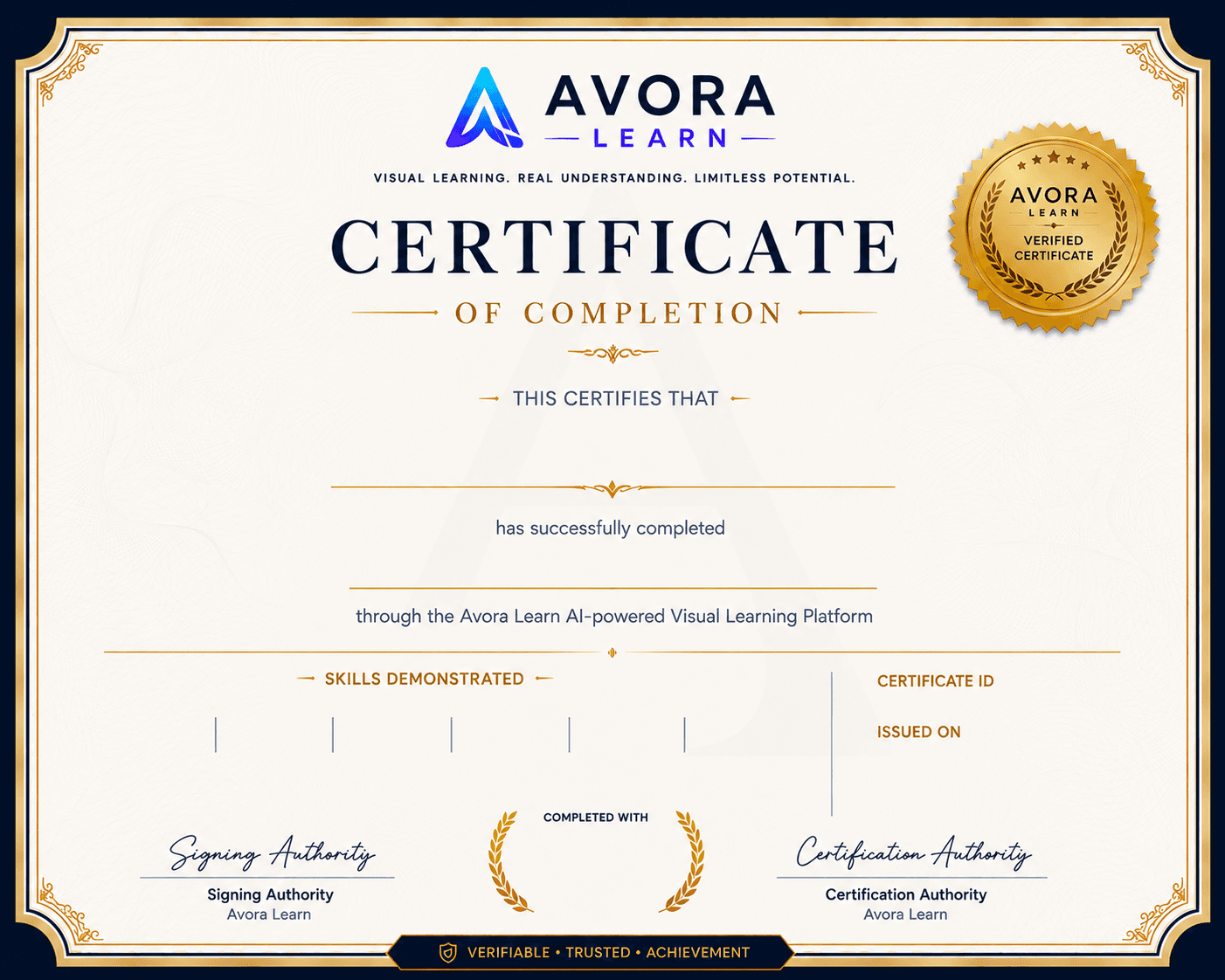
A sample of the credential you'll earn — with your name after completion.
YOUR NAME HERE
Docker Fundamentals
AVL-DF-2026-000000
July 11, 2026
Scan to Verify
avora.ai/verify
— Why Containers
Welcome
Works
Container
— Images & Dockerfile
Image
92%
Mastery
Sample certificate for Docker Fundamentals. Display ID AVL-DF-2026-000000. Issue date July 11, 2026.
Clear requirements — no surprises when you finish.
Complete all lessons
Finish every lesson in the curriculum.
Complete coding challenges
Solve the playgrounds and practice tasks.
Pass final assessment
Show you can apply what you learned.
Achieve required mastery
Meet the course mastery threshold to unlock your certificate.
From verified learners who made meaningful progress in this course.
Sign in to leave a course review.
Concrete ways this course pays off beyond the classroom.
Ship small sites and pages you can show friends and employers.
Turn course builds into portfolio pieces with real structure.
Practice explaining markup, layout, and browser basics with confidence.
Unlock CSS, JavaScript, and project courses on a solid base.
Know what you're signing up for.
Difficulty
Projects completed in this course can be added to your portfolio — proof of skills employers can see, not just a course title.
4 projects you can showcase
Portfolio-ready build from this course.
Module 2 — Images & Dockerfile
Portfolio-ready build from this course.
Module 3 — Run & Inspect Containers
Portfolio-ready build from this course.
Module 5 — Compose Multi-Service
Portfolio-ready build from this course.
Module 7 — Deploy Habits & Next Steps
A high-level view of how your knowledge grows.
Module 1 — Why Containers
7 lessons
Module 3 — Run & Inspect Containers
8 lessons
Module 5 — Compose Multi-Service
6 lessons
Module 7 — Deploy Habits & Next Steps
6 lessons